How to choose delivery management software without buying the wrong thing
In short
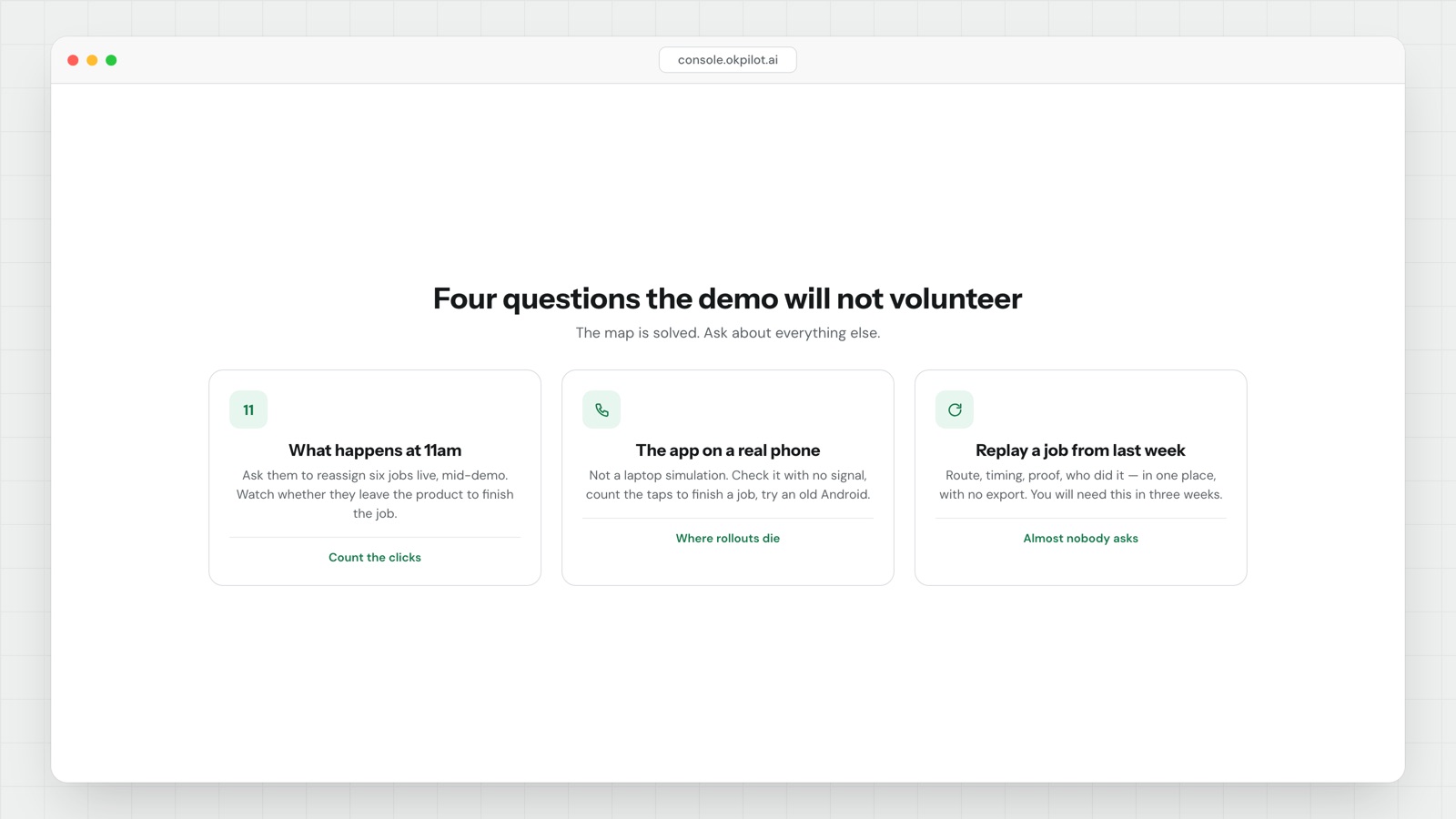
To choose delivery management software, ignore the map. Most tools can sequence twenty stops competently, so the map is not where they differ. Ask four questions instead: what happens when the plan breaks, what the field app is like, whether you can reconstruct a day afterwards, and what it costs when you grow.
- What happens at 11am. Ask for a live reassignment during the demo: how many clicks to move six jobs, whether the customer is told automatically, and whether the new person gets the access notes or just the address.
- What the person in the field sees. Ask for the app on a real phone. Check what happens with no signal, count the taps to finish a job, and check it runs on five-year-old Android devices.
- Whether you can reconstruct a day. Ask to see a completed job from a week ago: route taken, time at each stop, proof captured, who did it — in one place, without exporting anything.
- What it costs at three times your size. Price breaks at 10 and 25 users, notifications billed per message, API on a higher tier, and the cost of getting your data out.
- Do not weight integration counts or route optimisation percentages. Everyone claims 20-30%, and the figure depends entirely on how bad your current routing is.
Every demo looks the same
You will sit through four of them. Each one opens with a map, some dots moving along roads, and a number showing minutes saved. By the third demo the products have blurred together, and the decision comes down to price or whoever followed up fastest.
That is a bad way to pick, because the map is the part of this category that is basically solved. Most tools can sequence twenty stops competently. The differences that will matter to you in six months are not on the map screen, and the demo is not going to volunteer them.
Here is what to ask instead.
Question one: what happens when the plan breaks
Any system can dispatch a clean morning. The question is what it does at 11am when a van breaks down, two customers reschedule and someone calls in sick.
Ask them to show you a reassignment, live, during the demo. Specifically:
- How many clicks to move six jobs from one person to another?
- Does the customer get told automatically, or does someone have to remember?
- Does the new person get the access notes, or just the address?
Watch whether the salesperson reaches for a spreadsheet or a phone call to complete the scenario. If the answer involves leaving the product, you have learnt something useful.
Question two: what the person in the field sees
The buyer looks at the dispatcher screen. The people who decide whether this rollout survives are the drivers and technicians, and they see a different app entirely.
Ask for the field app on a real phone — not a laptop simulation, not a video. Then check three things:
What happens with no signal. Basements, lift shafts, rural stops, underground car parks. If the app needs a connection to record that a job is done, your proof has holes in it exactly where the hard jobs are.
How many taps to finish a job. Count them. The difference between three taps and nine is the difference between proof you have and proof you do not, because people under time pressure skip steps.
Whether it works on the phones you actually have. Five-year-old Android devices are the norm in field teams, not the exception.
Question three: can you reconstruct a day afterwards
This is the one almost nobody asks, and it is the one you will need.
A customer will call in three weeks and say nobody came. A client will dispute an invoice. An insurer will want to know what time the inspection happened. Someone will need to answer, and "the driver says he went" is not an answer.
Ask to see a completed job from a week ago. Can you see the route taken, the time at each stop, the proof captured, and who did it — in one place, without exporting anything? Proof that lives in three systems is proof you will not assemble under pressure.
Question four: what does it cost when you grow
Pricing in this category is usually per driver per month, which sounds simple and is not.
- Does the price change at 10 users? At 25?
- Are customer notifications included, or billed per message? A thousand jobs a day is a thousand texts.
- Is the API on a higher tier? If you will ever connect your order system, you will need it.
- What does it cost to get your data out?
Work out the bill at three times your current size, not today's size. The tool you are choosing is the one you will still be on then, because migrating field software mid-operation is genuinely painful and most teams put it off for years.
What we would not optimise for
A few things get weighted heavily in these decisions and should not be.
The number of integrations. A list of 200 logos is a marketing asset. You need three of them to work properly.
Route optimisation percentages. Everyone claims 20-30%. The figure depends entirely on how bad your current routing is, and nobody can tell you that from a demo.
AI features in the demo. Ask what happens when the suggestion is wrong. A system that reassigns a job on its own, without a person approving it, will eventually do something expensive at 7am.
The honest summary
Pick on three things: what happens when the day goes wrong, what the field app is like in bad conditions, and whether you can reconstruct a job afterwards. Those are the differences you will feel every week.
The map will be fine whatever you choose. That is not where these products differ any more, and a demo built around it is a demo designed to avoid the harder questions.
If a vendor will not let you put their app on a real phone and walk outside with it, that is the answer.
Run the four questions past whoever you are evaluating, including us.
See OkPilot running your own operation
A live walkthrough with a real person, configured to your jobs on the call. About ten minutes. Setup takes around 48 hours.