Dispatch board or dispatch map: which view a dispatcher actually needs
In short
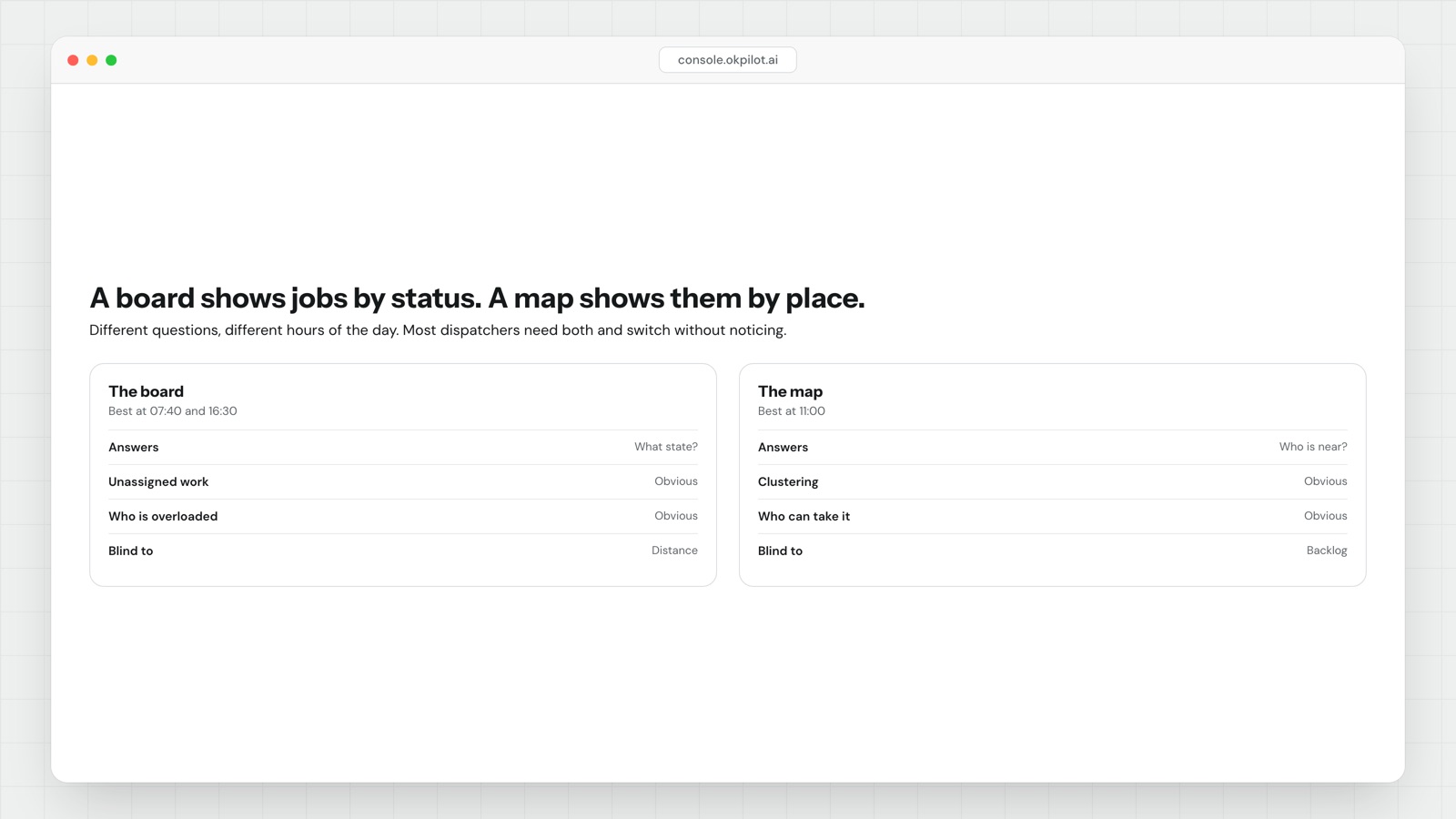
Dispatch board software lists jobs by status. A dispatch map plots the same jobs by place. The board answers what is the state of the work; the map answers who is near it. Most dispatchers need both, at different hours.
- Use the board for: unassigned jobs, jobs at risk of missing a window, who is overloaded, what will roll over to tomorrow.
- Use the map for: who is nearest an urgent job, whether a run doubles back on itself, why someone is late.
- Quick rule: if your question contains where or nearest, use the map. If it contains what, who or when, use the board.
- The map's blind spot is unassigned work — a job with no owner, or no address yet, is either invisible or indistinguishable from a healthy one.
- The board's blind spot is distance. It will happily hand a job to someone with the right skill and 40 minutes of driving between them.
| Dispatch board | Dispatch map | |
|---|---|---|
| Organised by | Status | Location |
| Answers | What is the state of the work? | Who is near this? |
| Best at | Gaps, risk, workload, rollover | Reassignment, run shape, lateness |
| Blind to | Travel time | Unassigned and address-less jobs |
| Peak use | Start and end of day | Mid-day, when plans change |
The two views answer different questions
A board is columns: unassigned, assigned, accepted, on the way, on site, done, failed. You read it top to bottom and the shape of the day falls out of it. If the unassigned column is not empty at 8am, you have a problem you can name in one second.
A map is pins and lines. You read it as a shape. A good run looks like a loop; a bad one looks like a star with the depot in the middle. You can see a bad run on a map in about two seconds and you will never see it on a board, because on a board a twelve-stop run and a sensible eight-stop run look equally tidy.
Neither is a better view. They are indexed differently, and the index determines which questions are cheap to answer.
What dispatch board software answers that a map cannot
Four questions, all of which cost money if you get them wrong.
What has nobody picked up? This is the single most important question of the morning and the map is bad at it. An unassigned job sits on the map looking like any other pin. Worse, jobs with no usable address yet — a phone callback, a quote request, a collection waiting on a confirmed time — do not appear on the map at all. They only exist in a list.
What is going to miss its window? A board that sorts by promised time and flags the jobs where now + travel + expected duration is already past the commitment is the most useful screen in the building. The map knows where the van is but it does not naturally rank by risk.
Who is carrying too much? Counting jobs per person is trivial on a board and awkward on a map, where a dense cluster of eight short stops looks heavier than three long installs that will actually eat the day.
What will not get done today? At 4pm the question is which jobs roll over and who you have to ring. That is a list, not a picture.
What the map answers that a board cannot
Who is actually nearest? An urgent job comes in at 11am. The board tells you three people hold the right skill and have a free slot. The map tells you two of them are across town and the third is four streets away. Working from a board alone, the cost of getting this wrong is invisible, because the job still gets done, just with 50 minutes of driving nobody accounted for.
Does this run make sense? Backtracking, crossed paths, two people working the same street an hour apart. All obvious on a map, all invisible on a board.
Why is this person late? The board says "on the way" and has said so for 40 minutes. The map says they have not moved, which is a different conversation — traffic, or a job that overran, or a van that will not start.
Can I squeeze this in? Adding a stop is a geography question before it is a time question. If the new address is on the way between stop six and stop seven, it costs almost nothing. If it is 15 miles off the line, it costs an hour from someone's afternoon.
A day with both views
This is roughly how the two get used by a dispatcher running 30 to 60 jobs.
| Time | View | Question |
|---|---|---|
| 07:30 | Board | Is the unassigned column empty? Anybody not accepted their work? |
| 08:15 | Map | Do the runs look like loops or stars? Anyone doubling back? |
| 10:00 | Board | Which jobs are already at risk against their window? |
| 11:00 | Map | Urgent job in. Who is genuinely closest with the right skill? |
| 13:30 | Map | Who has not moved in half an hour? |
| 15:00 | Board | What is not going to happen today? |
| 16:30 | Board | Which customers need ringing before they ring us? |
The pattern is consistent: the board at the edges of the day when you are planning and accounting, the map in the middle when the day is changing. If a tool makes you choose one permanently, it will be wrong for half your day.
What both views miss
Board is status. Map is place. The view that gets left out is time: jobs laid out as a timeline per person, the way a calendar does it.
Time is the view that answers "will it fit". A board shows that Priya has five jobs; a timeline shows that three of them are in the same two-hour block and one is a two-hour job. That is a conflict you cannot see on either of the other two views, and it is the most common cause of a day that goes wrong before 10am. Teams doing field service work with variable job durations feel this harder than delivery teams, where stops are short and roughly equal.
If you are evaluating dispatch board software, the test is not whether each view exists. It is whether a change in one appears instantly in the others, and whether reassigning takes one action from whichever view you are already looking at. A board that makes you open a separate map, work out the nearest person, go back and retype the assignment is three views and no system.
The deeper thing both views share is that they are only as honest as the status underneath them. A map showing a van parked outside an address tells you nothing about whether the technician got through the door, found the right unit, or is standing in a car park waiting on a code. That gap between arrived and started is where much unexplained lateness lives, and we wrote about it separately in routing is solved, getting inside is not.
Boards and maps are both views of one record. If the record is thin, prettier views will not help. If the record is good — assignment, live position, arrival, on-site status, completion with proof — then which view you open is just a question of what you are trying to decide in the next 30 seconds.
OkPilot gives you both views over one record, and lets you skip the view entirely when you already know what you want: type "move the Elm Road job to whoever is closest and tell the customer", and approve what it proposes.
See OkPilot running your own operation
A live walkthrough with a real person, configured to your jobs on the call. About ten minutes. Setup takes around 48 hours.