Pre-trip inspection apps: what they replace and what they must capture
In short
A pre-trip inspection app is a mobile checklist a driver completes before taking a vehicle out, recording the condition of brakes, tyres, lights, fluids and load security, with a timestamp and usually a photo of anything wrong. The checklist is the easy part; the record is the point.
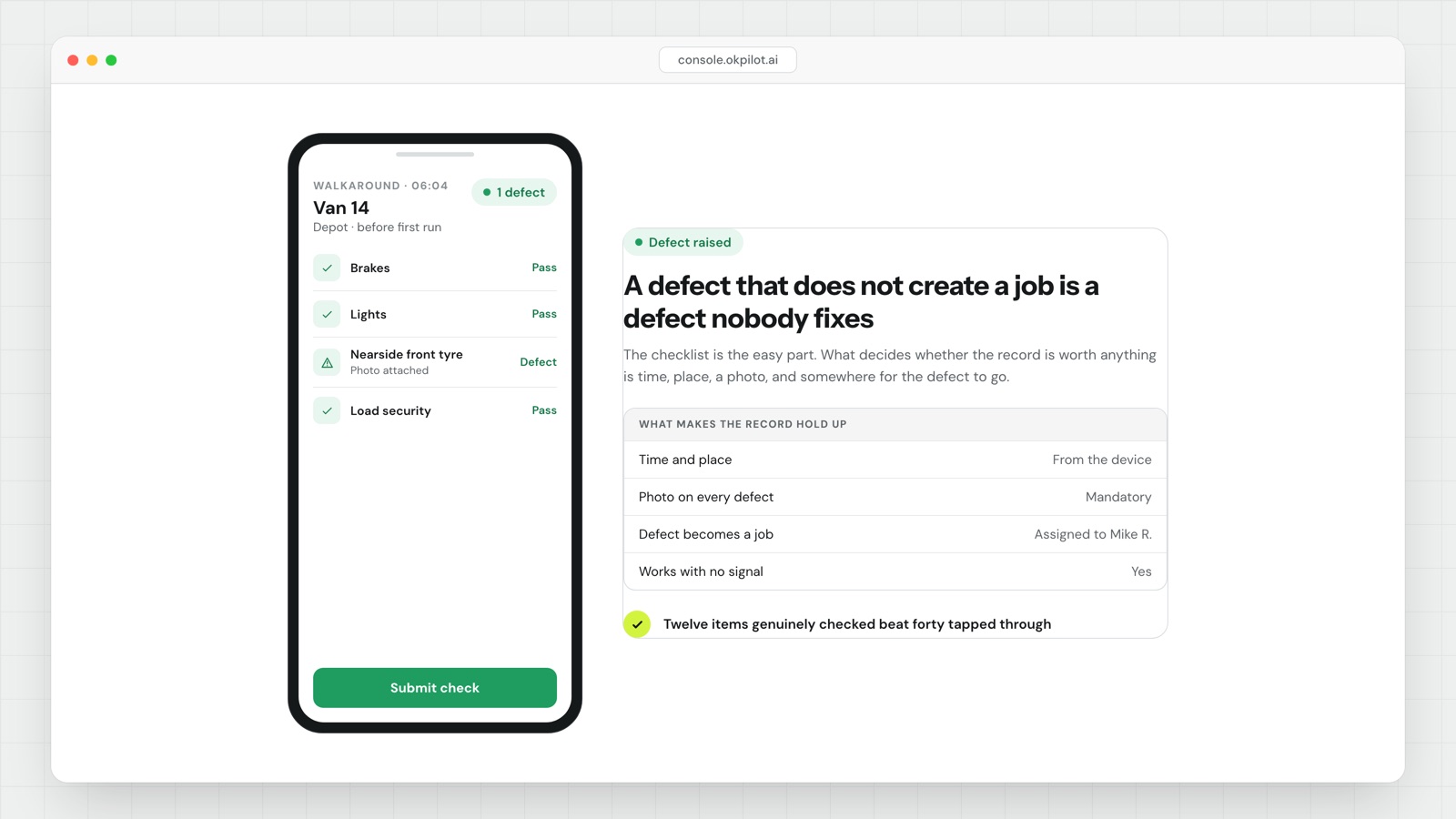
- Time and place must come from the device, not be typed in. A check recorded at the depot at 6:04am is evidence. A check recorded from a sofa is a liability.
- Every defect needs a photo. A tick box saying "tyre worn" is an opinion. A photo settles whether the damage existed before the trip.
- A reported defect has to create a job for someone. If it lands in a folder nobody opens, the inspection is theatre.
- Capture has to work offline. Depots have bad signal, and you will lose exactly the records you most need.
- Keep the list short. A forty-item form at 6am gets pencil-whipped within two weeks. Twelve items that are genuinely checked beat forty that are tapped through.
- Do not run it as a driver-compliance tool. If reporting a defect has consequences for the reporter, you stop hearing about defects.
What a pre-trip inspection app is
A pre-trip inspection app is a mobile checklist a driver completes before taking a vehicle out, recording the condition of brakes, tyres, lights, fluids and load security, with a timestamp and usually a photo of anything wrong.
It replaces the paper walkaround sheet. Not because paper is old-fashioned, but because the paper version has a failure mode everybody in the industry recognises: a pad of sheets filled in at the end of the week, all ticked, all identical, all signed at the same desk.
That pad is worthless in an investigation. A digital record with a time and a location attached is not.
What it needs to capture
The checklist itself is the easy part and every app has one. The four things that decide whether the record holds up:
- Time and place, taken from the device. Not typed in. A check recorded at the depot at 6:04am is evidence. A check recorded from a sofa is a liability.
- A photo of every defect. A tick box saying "tyre worn" is an opinion. A photo is a fact, and it settles the argument about whether the damage existed before the trip.
- A defect that goes somewhere. This is where most systems fall down. The driver reports a crack in a mirror, and the report lands in a folder nobody opens. If a reported defect does not create a job for someone, the inspection is theatre.
- Offline capture. Depots have bad signal. If the app needs a connection to save, you will lose exactly the records you most need.
The part that gets skipped
Most of the value is not in catching the broken tyre. It is in being able to answer a question weeks later.
After an incident, somebody will ask whether the vehicle was checked that morning. There are three possible answers. "Yes, here is the record, timestamped 6:04, with photos." "No." And "we think so, the sheet is in the cab somewhere." Only the first one helps you.
The same logic runs through proof of delivery and inspection work generally. The record is not admin. The record is the product.
Where teams get it wrong
Making the checklist too long. A forty-item form at 6am gets pencil-whipped within two weeks. Twelve items that are genuinely checked beat forty that are tapped through.
Treating it as a driver-compliance tool. If drivers believe the app exists to catch them out, they will complete it as fast as possible and report nothing. A defect report should be easy and consequence-free for the person reporting it, or you stop hearing about defects.
Not closing the loop. If a driver reports the same fault three mornings running and nothing happens, you have taught the whole depot that reporting is pointless. That lesson is hard to undo.
The practical takeaway
Keep the list short, make the photo mandatory on any defect, make sure a defect creates a job, and check that it works with no signal. Those four things cover most of what the record is for.
OkPilot turns a reported defect into a job someone owns, instead of a form that goes into a folder.
See OkPilot running your own operation
A live walkthrough with a real person, configured to your jobs on the call. About ten minutes. Setup takes around 48 hours.